Waitwing

While your AI works,
go fly a while.

A tiny game that lives in your menu bar (the taskbar on Windows). Click it and your desktop turns into a gray block world. Fly a little plane low over it and everything you pass turns green. When your AI is done, a pigeon tells you.

2:15·The person who made it, on why
Why I made it

One more option for those few minutes

Coding with AI means a lot of waiting for it to finish a round. Some people watch a video, read or get a glass of water. Now you can also go fly a while.

At first I only wanted to replace system notifications with a little plane towing a banner. Then I saw a video someone made of a plane flying through a block world, and thought of my little nephew, who loves blocks. So I wondered: could we fly right on our own desktops?

It's meant for taking a break, so it never rushes or punishes you. No coins, no shop, no check-ins, no streaks. Skip any puzzle, keep flying after dark, head home whenever you like.

— Shili, who made the game

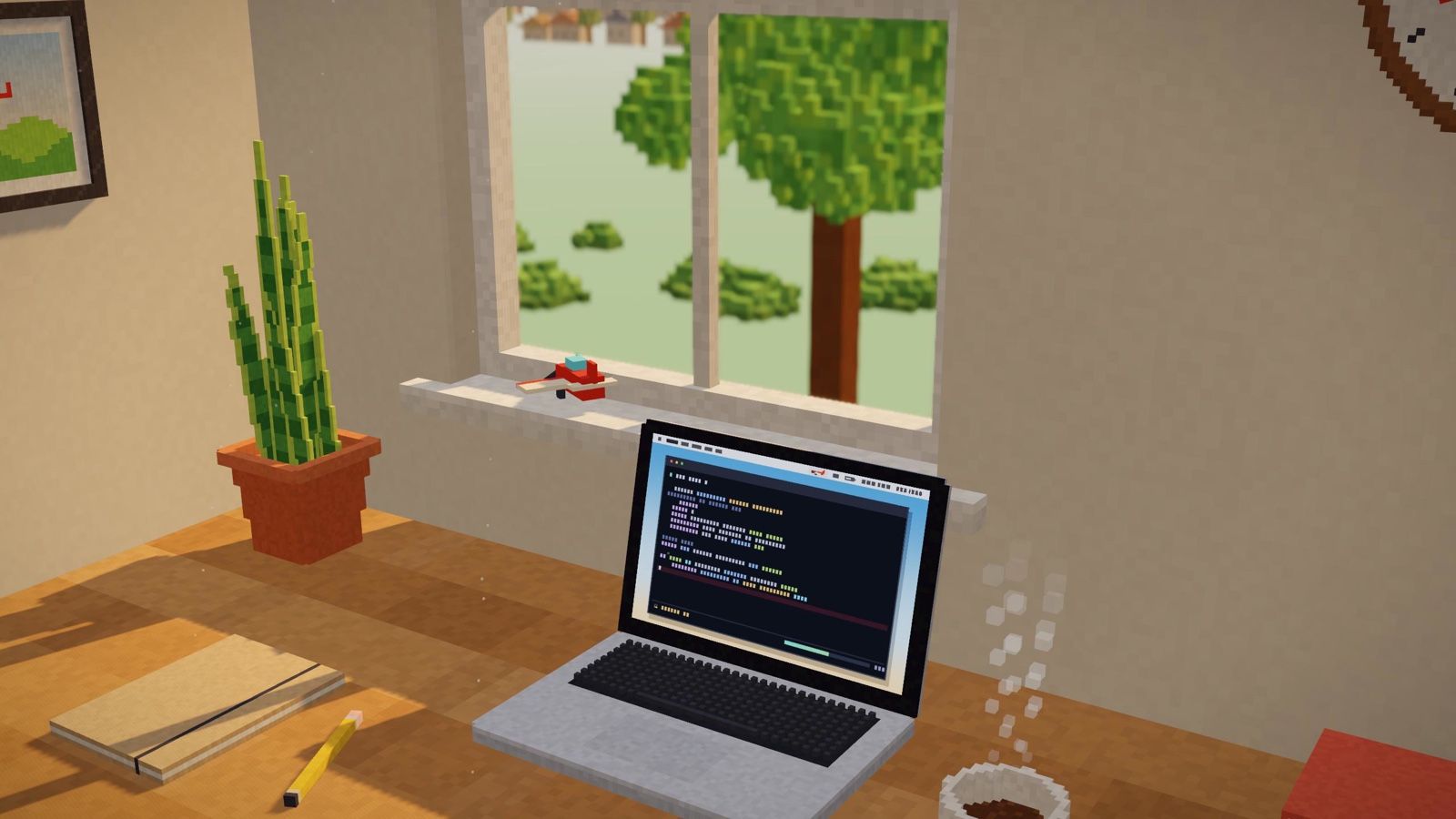
A blocky desk with a laptop where an AI is working, and a toy plane on the windowsill
How it plays

A flight takes about 8 minutes

Or pick 5 or 15.

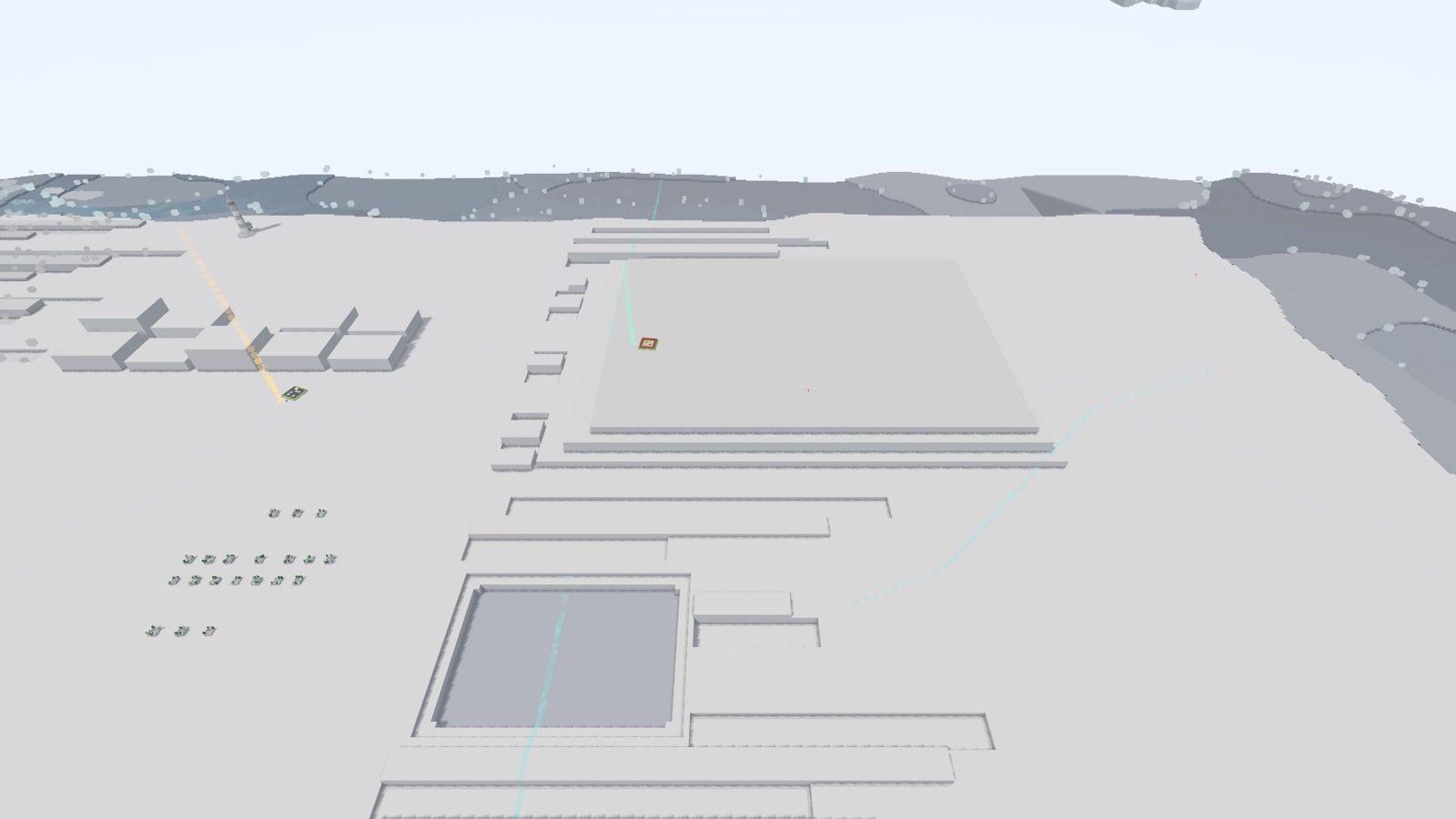
A desktop turned into gray block terrain

Your desktop is the map

Hit "Take off" and the game takes one screenshot. Windows rise into plateaus, the gaps between them become canyons, big images turn into lakes. Your screen is never the same twice, so neither is the world. When you are done, it folds away and nothing is kept.

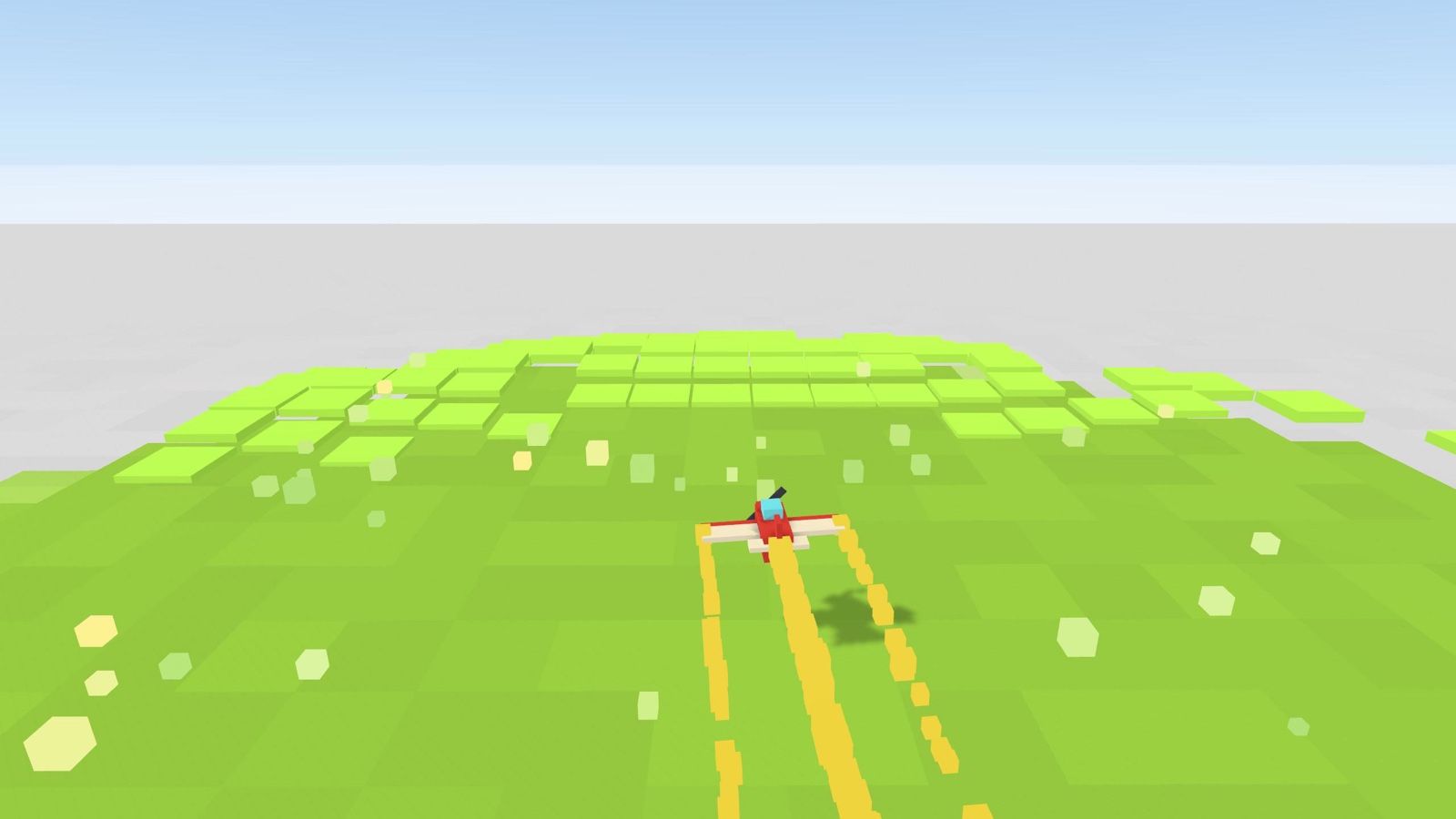
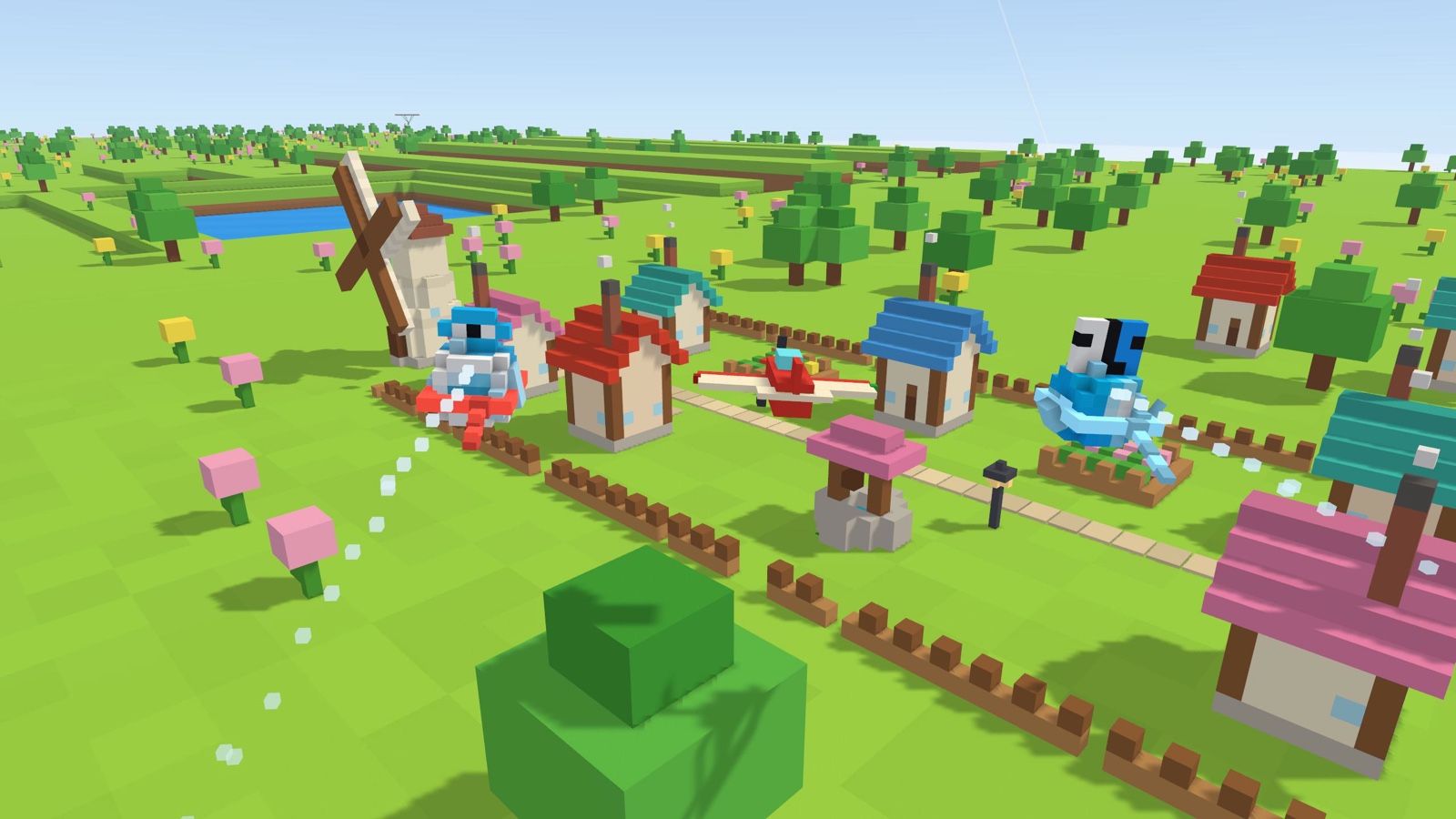
The plane skims the ground and the gray behind it turns to green grass

Fly low to wake it up

The ground starts gray. The lower you fly, the more you wake; once about 40% of a plateau is awake, the whole thing blooms. The only controls are turning, climbing and diving. Bump a wall and you bounce off. You can never crash.

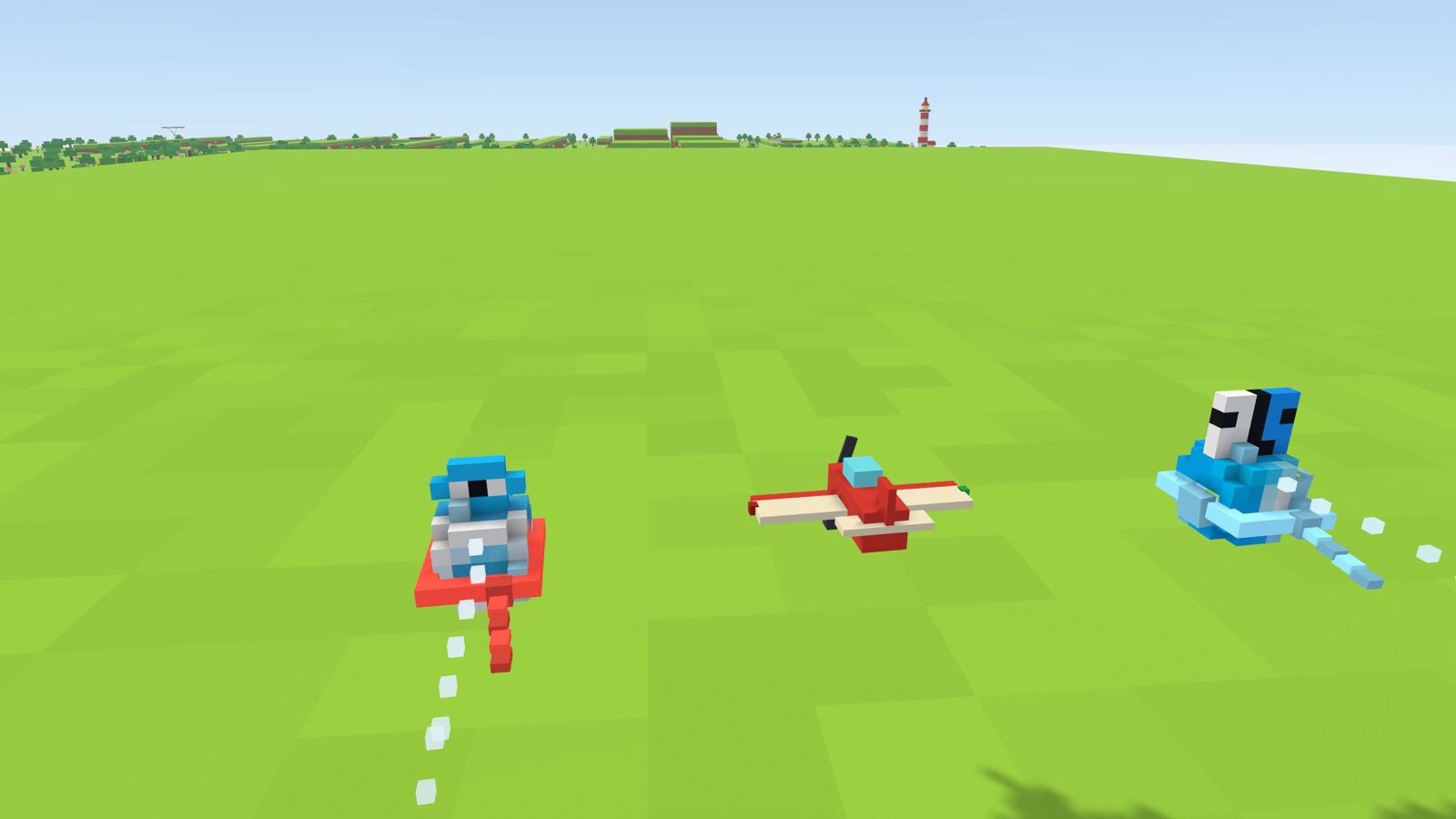
Two blocky creatures flying on either side of the plane

Your apps become little creatures

Each app in your Dock or taskbar becomes a blocky little bird whose color, shape and personality come from its icon and kind, so nobody's flock looks the same. One guards each main puzzle; solve it and it joins you as a wingman. The more you fly together, the closer you get.

17 small puzzles, all skippable

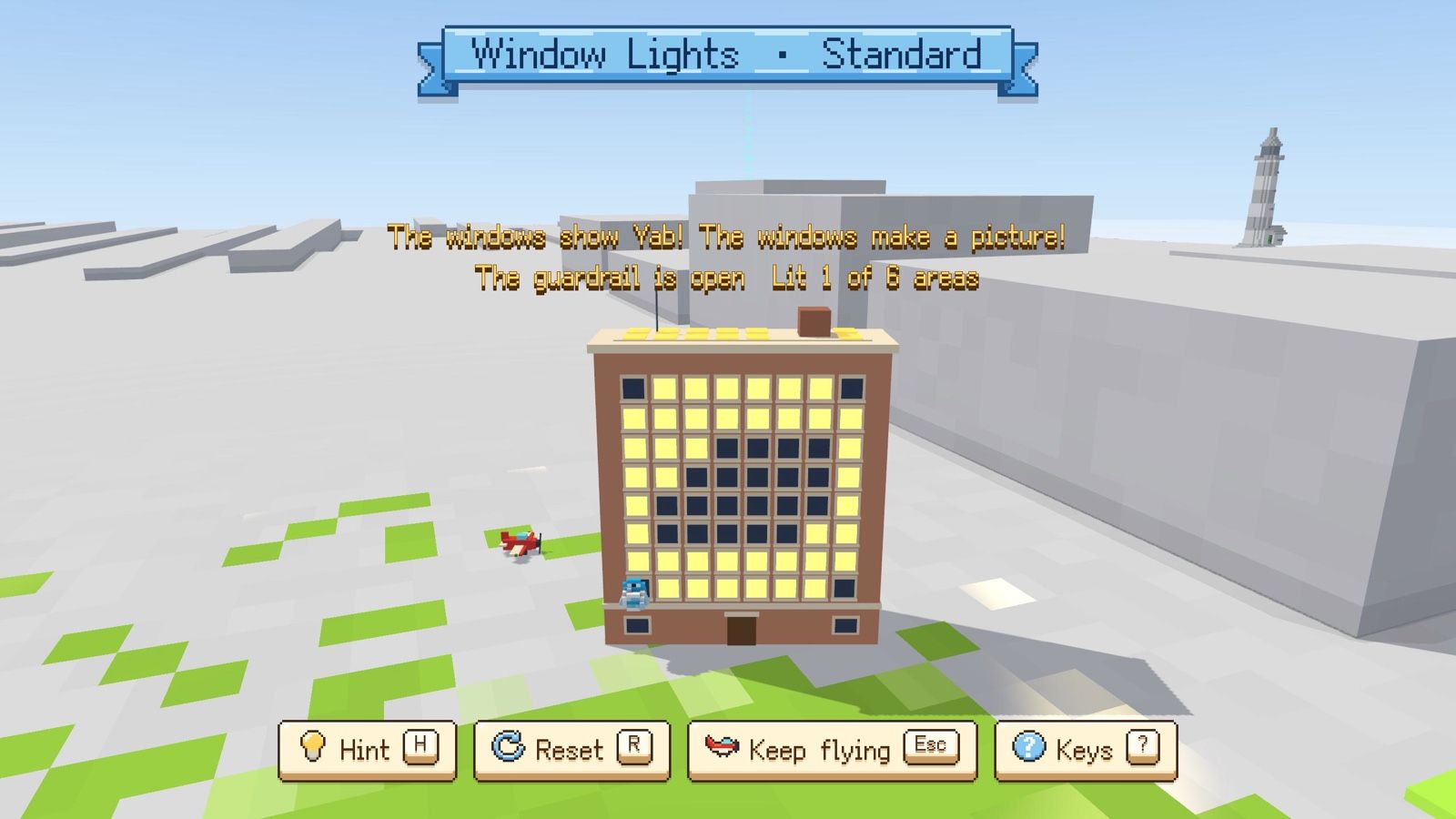
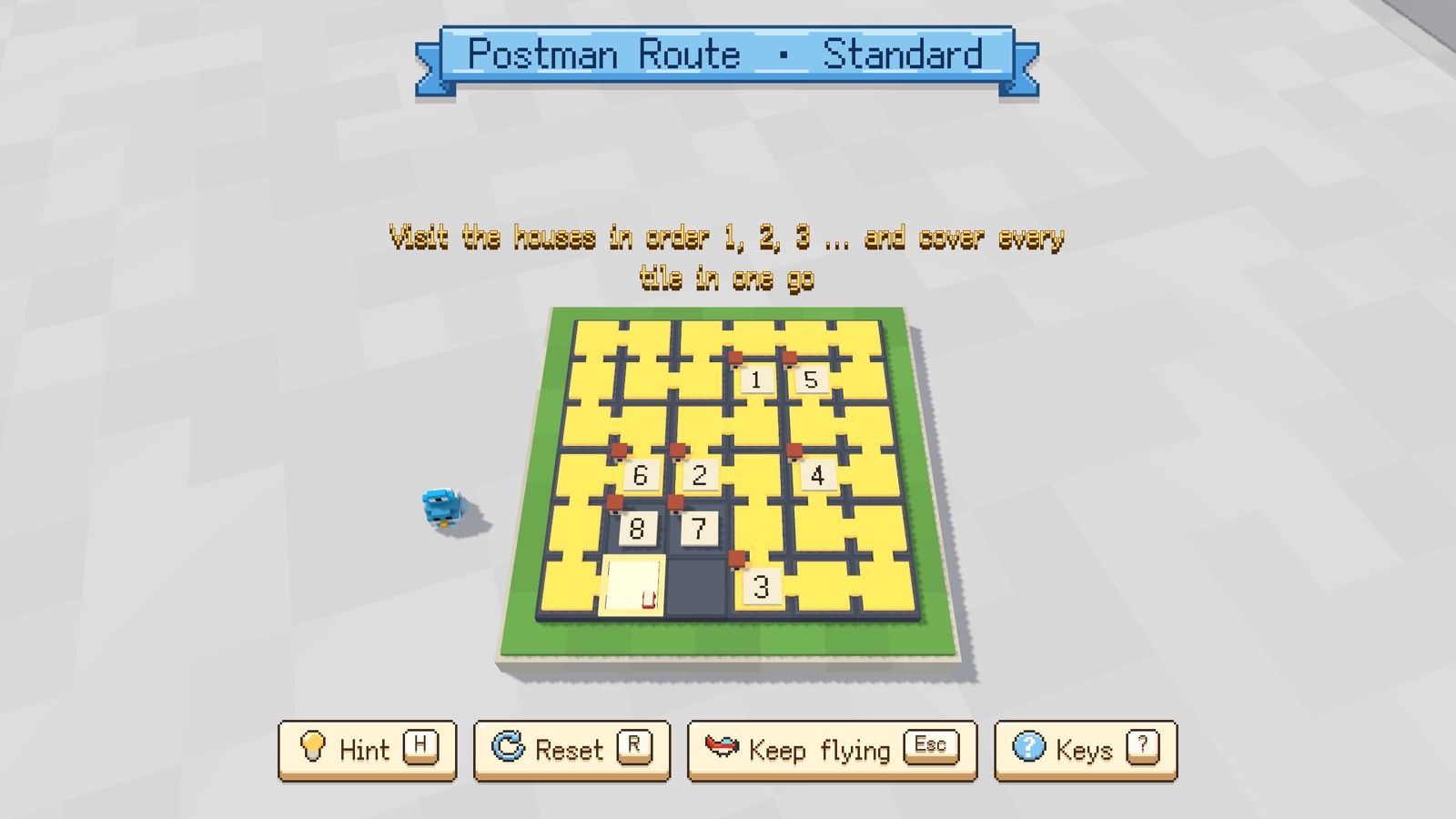
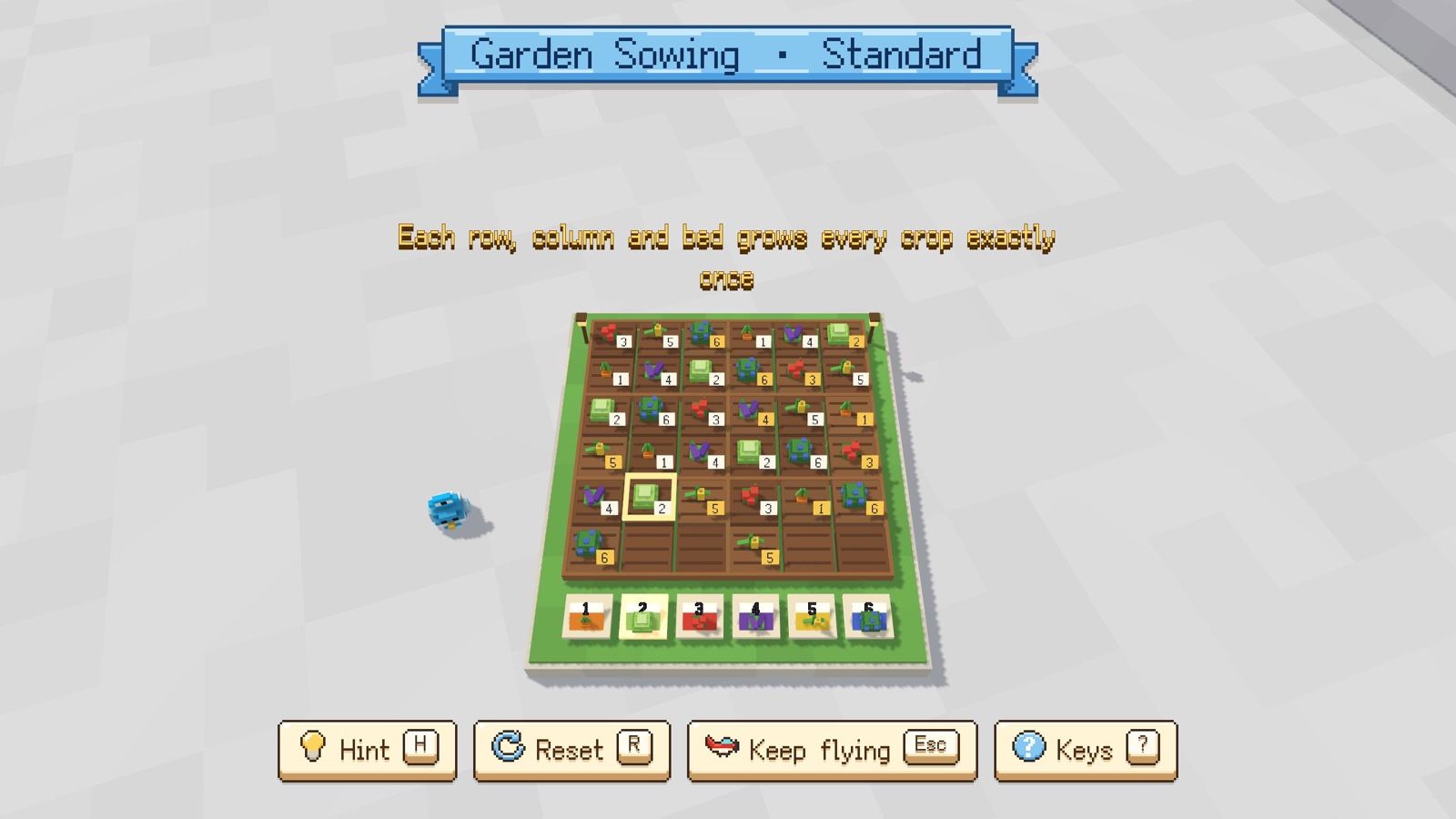
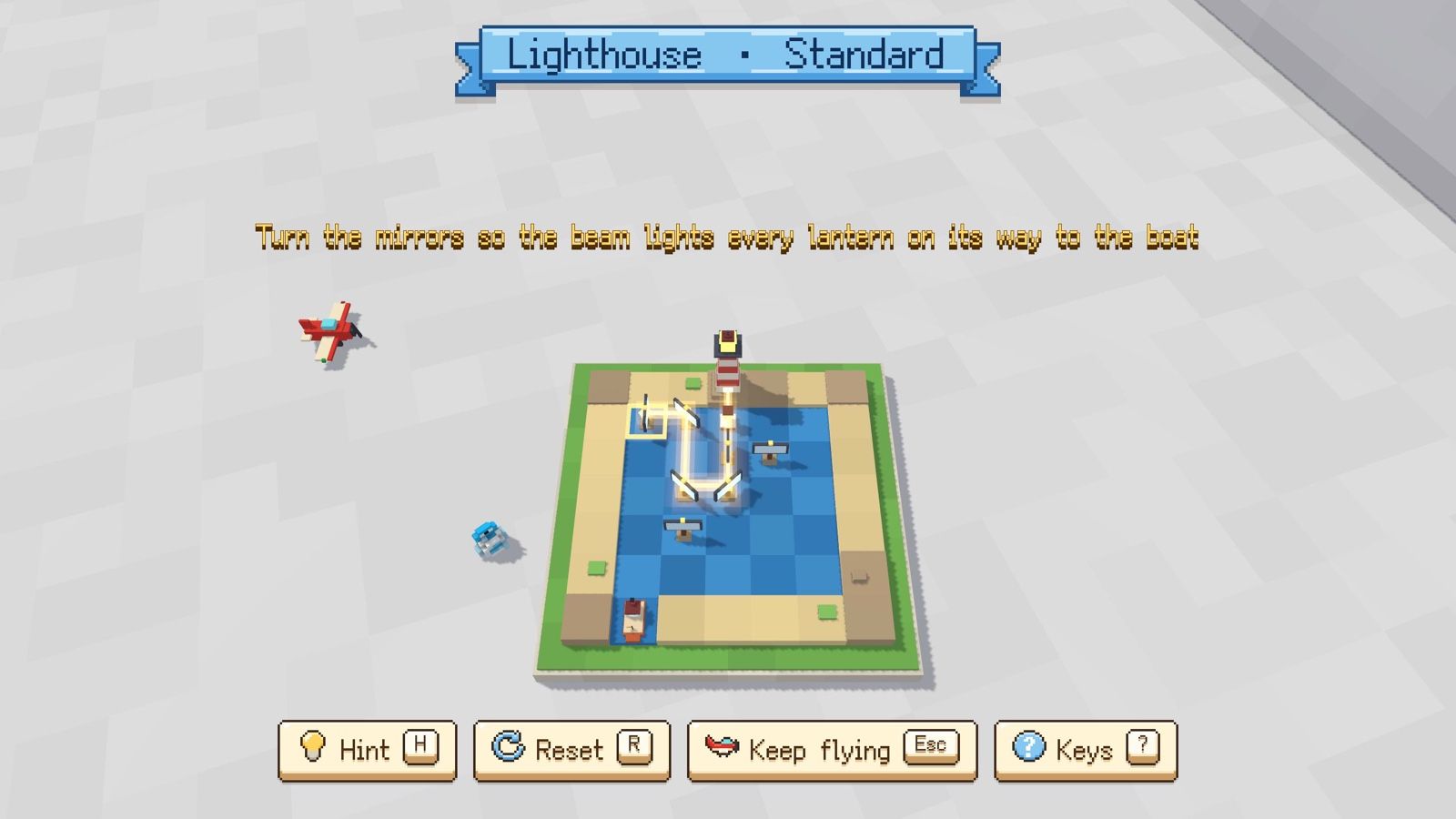
See a beam of light, land, solve a puzzle. Classics like nonograms, sudoku, minesweeper and Sokoban, plus a slingshot and vine cutting. The sun stops while you think, and after two hints you can skip. No penalty.

A puzzle screen in the game: Window Lights
A puzzle screen in the game: Postman Route
A puzzle screen in the game: Garden Sowing
A puzzle screen in the game: Lighthouse

All 17

  • Window Lights
  • Slab Gate
  • Drawbridge
  • Garden Sowing
  • Treasure Dig
  • Canal
  • Stained Glass
  • Flower Tiles
  • Old Photo
  • Lamps
  • Postman Route
  • Dock Clear-out
  • Warehouse Tidy-up
  • Seen from the Air
  • Lighthouse
  • Cut the vines
  • Slingshot
A village that has woken up, with the plane and creatures flying overhead

People live in the villages you wake

As the land wakes, cottages, windmills and wells grow back, and you meet villagers like gardeners, postmen and lamplighters. Their lines were written and checked by hand. No language model runs while you play, and they never mention anything on your screen.

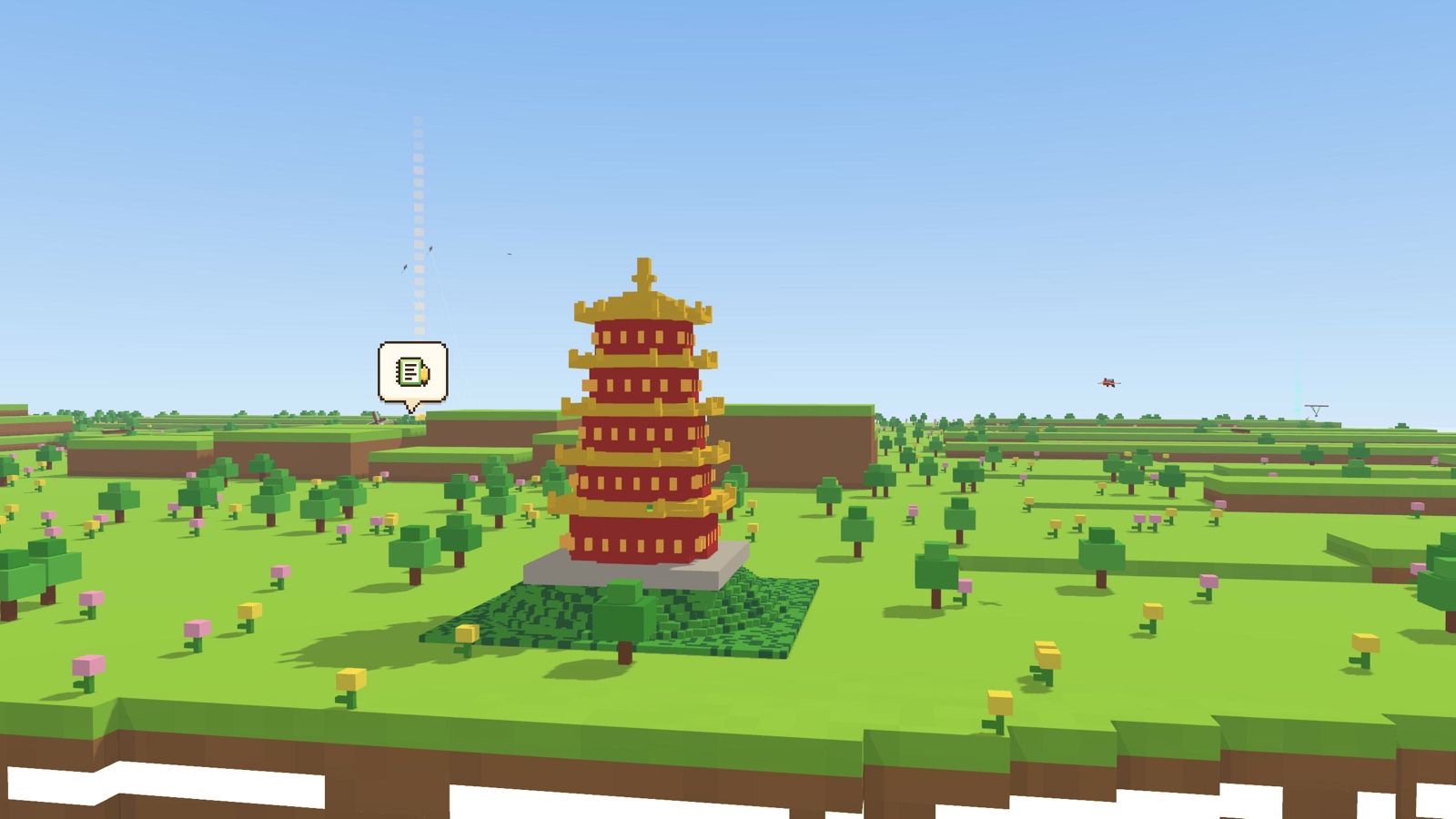
A block version of Wuhan's Yellow Crane Tower on a grassy plain

Spot a landmark from home

The world gets a block version of a landmark from your city. Every prefecture-level region in China has one. On Mac, the game asks once for your rough location and turns it into a city on your computer, sending it nowhere; on Windows, it picks from your time zone and region. You can switch it off.

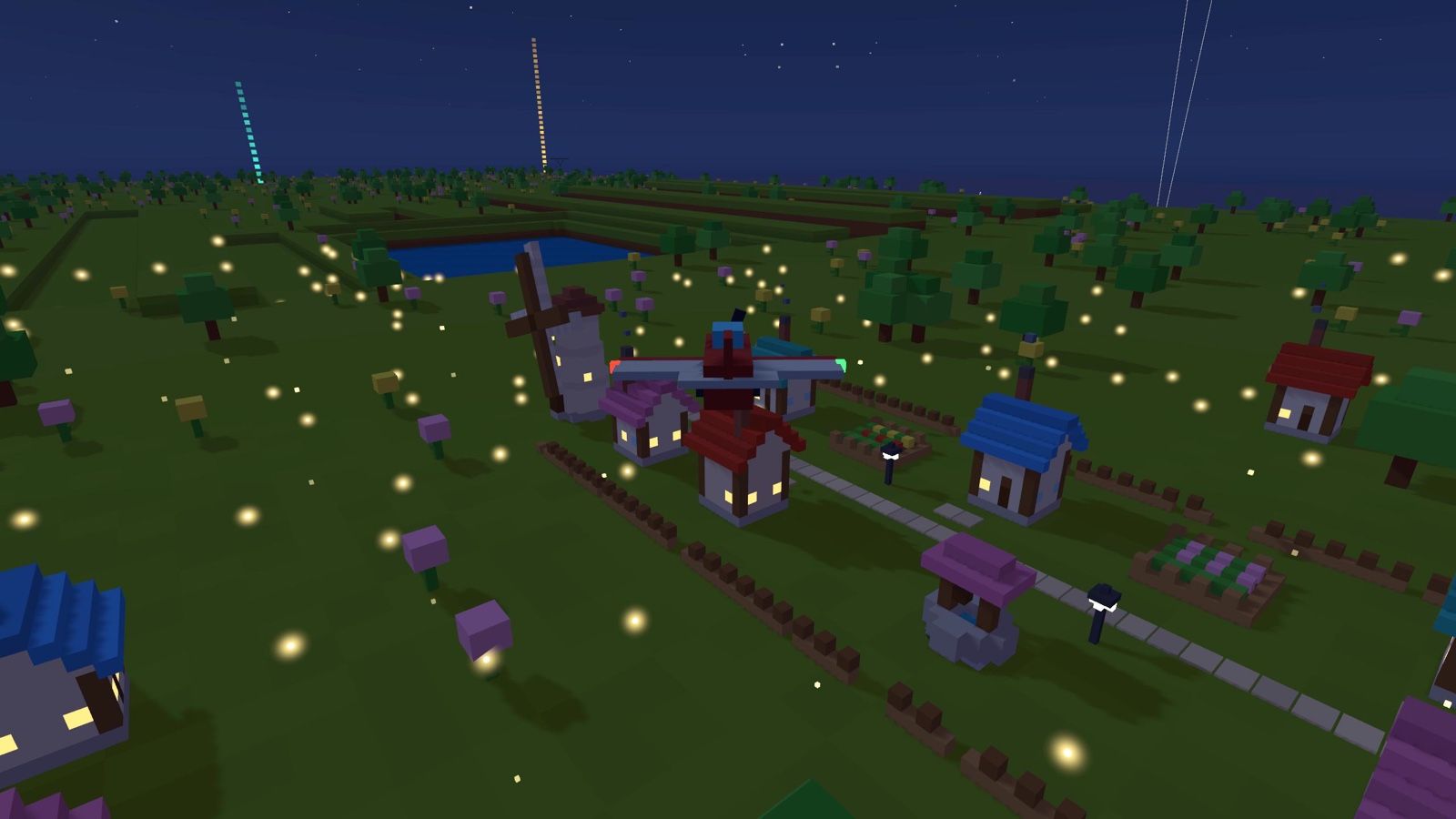
A block village with its lights on at night, the plane passing over it

Keep flying after dark

The last minute is sunset, then night falls. Windows and street lamps light up wherever you've flown, and fireflies come out. You can keep flying after dark.

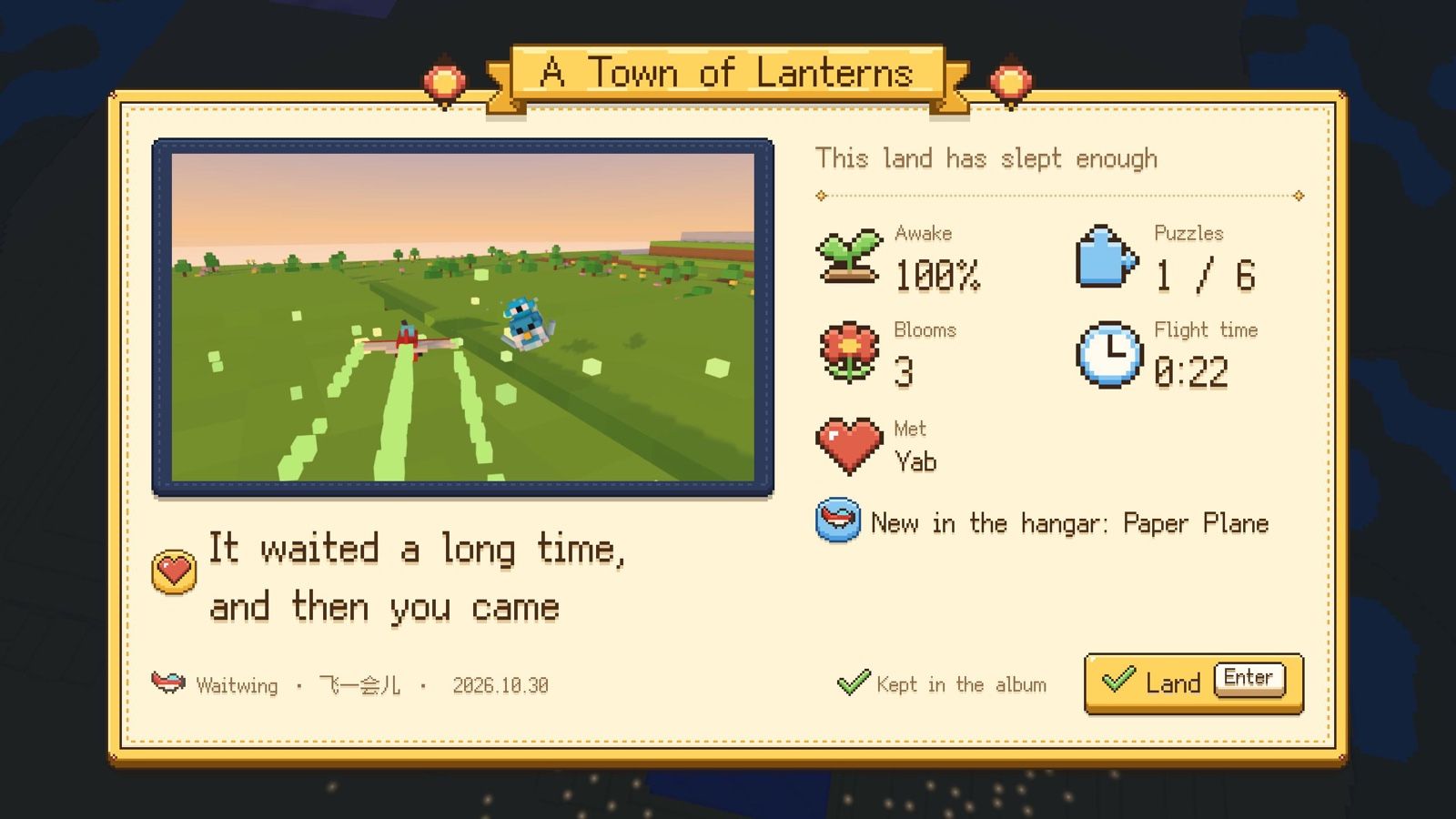
A card with a picture from the flight and a few notes about it

Keep a card when you head home

On the way back, pick one of two or three moments that really happened on this flight. The card notes how long you flew and how much woke up. Your cards live in the album, where you can flip through them, replay the sound and export a PNG.

At sunset a pigeon flies in with the news that the AI is done

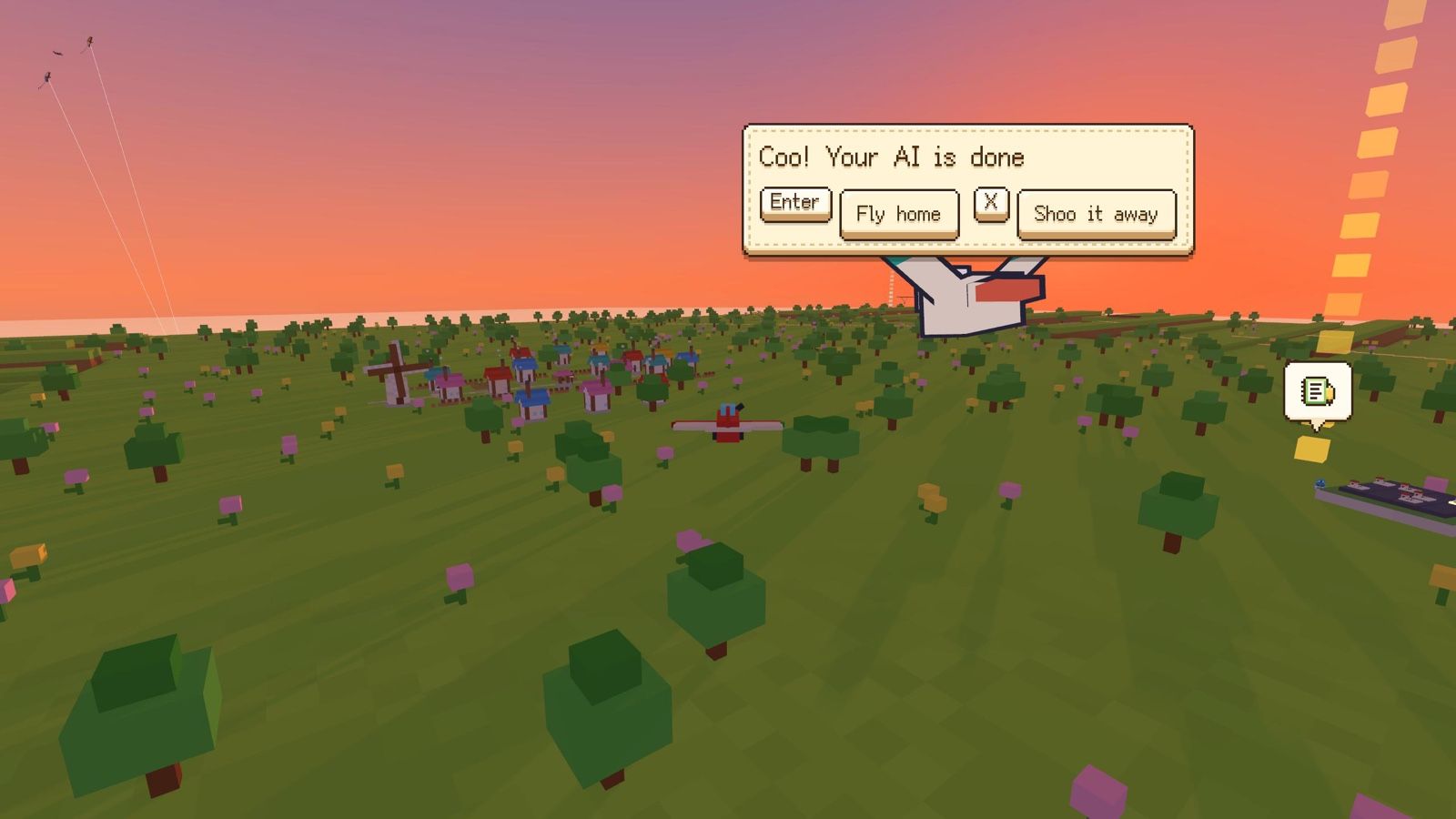
When your AI is done, a pigeon tells you

Connect Claude Code or Codex, and when the AI finishes, a dot appears on the little plane icon. If you're flying, a pigeon flies over. Head back or keep flying, your call.

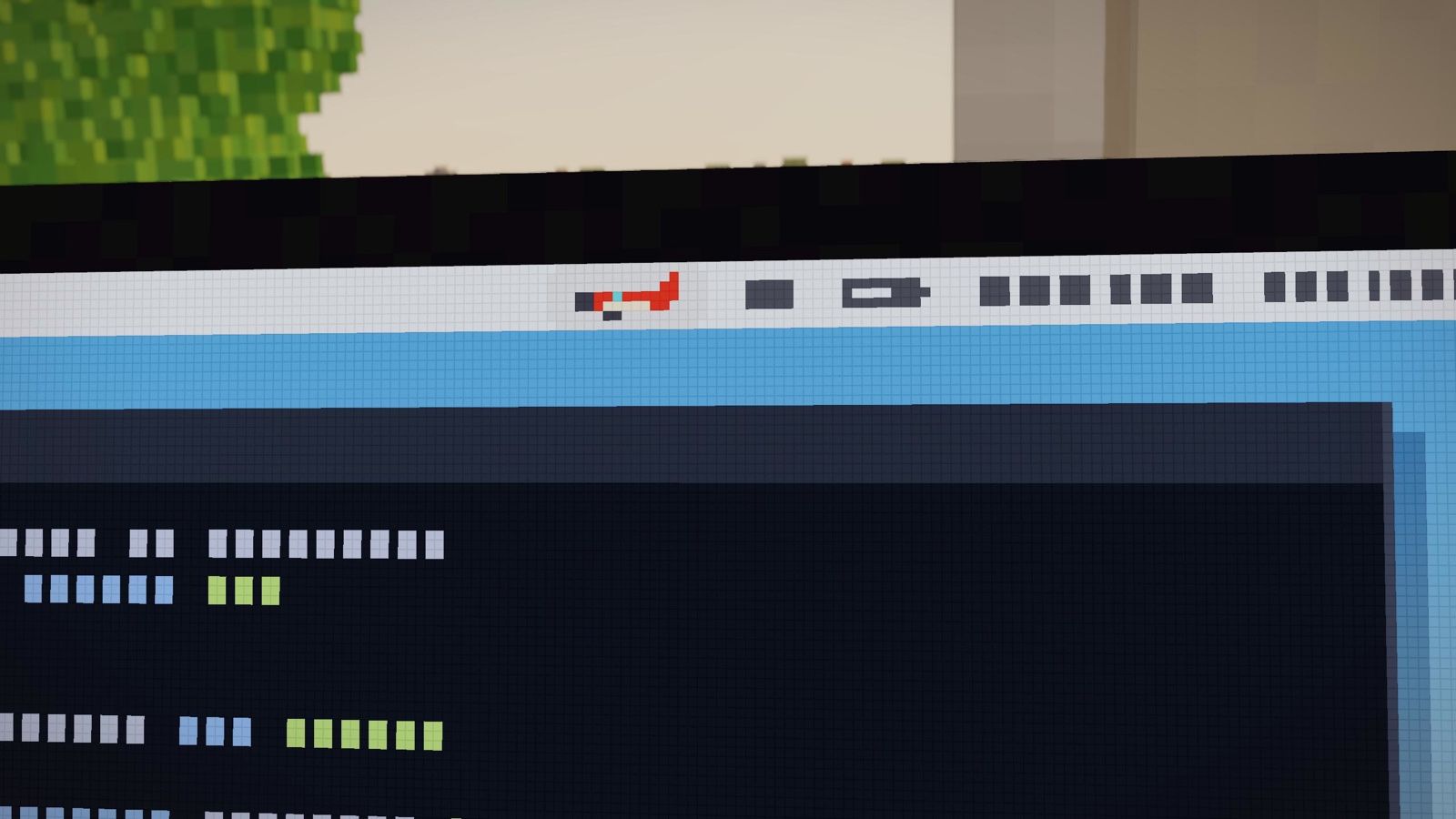
The little plane icon in the Mac menu bar

Day to day, just a small icon

It sits in the Mac menu bar or the Windows notification area, with no Dock or taskbar button. While your AI works, the little plane's propeller turns slowly. Click it to fly, or press ⌥⌘W (Ctrl+Win+W on Windows).

Privacy

Your screen never leaves your computer

The game takes a screenshot of your desktop, so here is exactly what happens to it.

  • The screenshot lives in memory

    Taken once at take-off, dropped once it becomes terrain. Never saved, never uploaded.

  • It doesn't read text on your screen

    Only colors and window positions and sizes are used. No text recognition, no peeking at chats.

  • Stays offline

    No account, no cloud sync, no analytics. Saves stay on your computer and can be erased in one click.

  • Location becomes a city, then gone

    On Mac, asked once for your hometown landmark, accurate to a few kilometers, then turned into a city and dropped. The Windows version never asks.

  • AI hooks stay on this machine

    Only 127.0.0.1, only two signals: "started" and "done". Never your conversation or code. You see every config change first, and nothing is written until you say yes.

  • Works without permissions

    On Mac, skip Screen Recording and you can still fly; the world uses the theme's own colors. Windows has no such prompt.

Read the full privacy policy

Where it runs

Plays on Mac and Windows

Mac
macOS 13 or laterSeparate downloads for Apple silicon and Intel
Windows
Windows 10 or 11, 64-bitNeeds WebView2: built into Windows 11, and usually already there on Windows 10 with Edge
Size
Under 20 MB
Language
English, Simplified Chinese

Download

macOS

Signed and notarized: drag it into Applications and go. Not sure which one? Apple menu › About This Mac: an Apple M-series chip means Apple silicon, an Intel processor means Intel.

Windows

Unzip it and double-click Waitwing.exe. No installer needed.

The first time you open it, Windows may say "Windows protected your PC". Click "More info", then "Run anyway". This happens because the download isn't code-signed with Microsoft yet; once you allow it, it won't ask again.